| Indigo Studio - Free UI Prototyping tool |
| Written by David Conrad | |||
| Friday, 30 November 2012 | |||
|
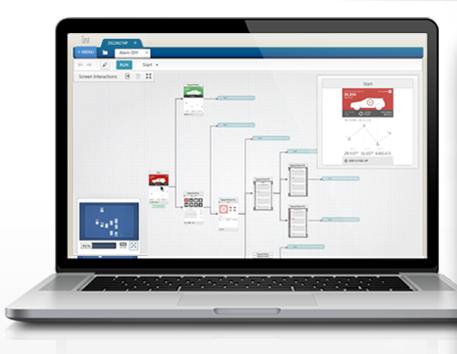
Indigo Studio is a new interaction design tool from Infragistics that enables you to explore and create functional, animated UI prototypes. It is free to download and has video tutorials. Aimed at designers who lack develop skills and developers without design resources, Indigo Studio is an interaction design tool that lets you prototype user interfaces without writing code.
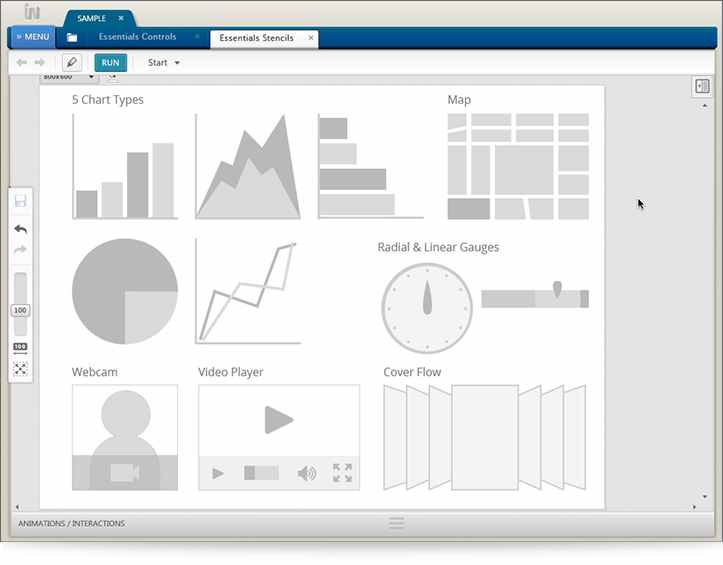
It provides 21 built-in interactive controls, 300 searchable icons, sets of common and curve-based shapes and vector-based stencils and 300 real world scenes are provide in its integrated storyboards.
According to Infragistics CEO, Dean Guida: “Indigo Studio makes it easy for anyone to rapidly design functional, animated UI prototypes that maximize usability and appeal,” added Guida. “It promotes design process best practices and enables teams to stay focused on the end users and their stories.” This promo video explains the capabilities of this free tool:
There is also a set of six tutorial videos (around half an hour in total) that guide you through its features:
Alternatively you can read about all these features, and more, in a set of well-illustrated pages.
Indigo Studio (Version 1), which is described as a debut release. is free to download once you create an account with Infragistics. It is also bundled with NetAdvantage Ultimate and NetAdvantage for .NET, Infragistics subscription based suites.
More InformationRelated Articles
To be informed about new articles on I Programmer, install the I Programmer Toolbar, subscribe to the RSS feed, follow us on, Twitter, Facebook, Google+ or Linkedin, or sign up for our weekly newsletter.
Comments
or email your comment to: comments@i-programmer.info

|
|||
| Last Updated ( Thursday, 04 April 2013 ) |