| Programmer Gifts - Pi For Xmas |
| Written by Harry Fairhead |
| Friday, 12 December 2025 |
|
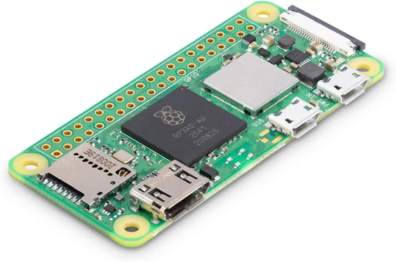
The holiday season is a good time to learn about computers - you have the time. But where to start? Our advice is to ignore the pudding and go for a Pi. Disclosure: If you make a purchase at Amazon by clicking on the product imagClick to buy at Amazones in this article we may earn an affiliate commission. There has never been a better time to get involved in computing and the reason is the Raspberry Pi. This remarkable hardware can get you started in a whole different way of using computers. It is also a safe and cheap way to simply learn about programming. You can do this for the unbelievably low price of $5 but I'd advise spending just a little more. The $5 miracle is the original Raspberry Pi Zero, which according to Raspberry Pi, will remain in production until at least January 2030. It is a complete computer that you can program using Python, C, Java etc and you can use it as the basis for custom hardware projects. It may be remarkable value but it doesn't have any network connection at all and the era of the Internet this is limiting and the more recent members of the Raspberry Pi family offer so very much more. Personally I'd opt for the Pi Zero 2W, launched in October 2021, which has WiFi and Bluetooth built in which means you can even get away without a keyboard and a monitor and, at only $15, it can be considered a disposable computer, suitable for experimentation.
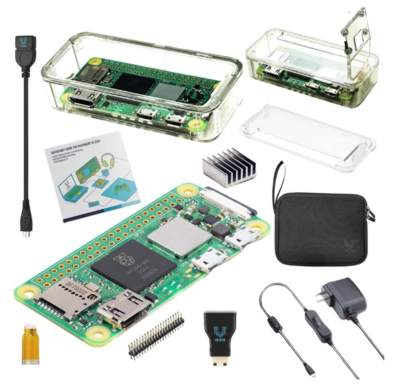
Click to buy at Amazon You'll also need a case, a USB power supply, a micro HDMI to HDMI connector and more and there are kits that offer these extras: Click to buy at Amazon
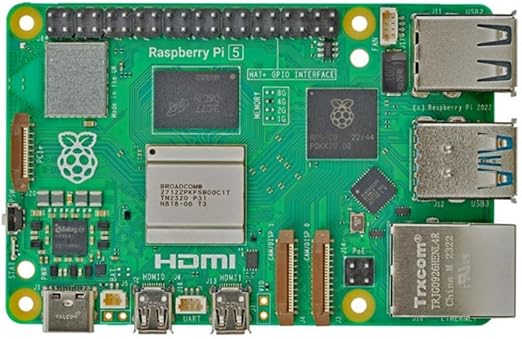
The Pi Zero 2W is great for getting started with learning to program or for building clever devices, but if you want to use the Pi as something like a full computer then you need to move up to the Raspberry Pi 5. This comes in a range of memory sizes and starts at $70 with 4GByte. In practice the Pi 5 with 4GBytes is powerful enough to be used as a desktop replacement.
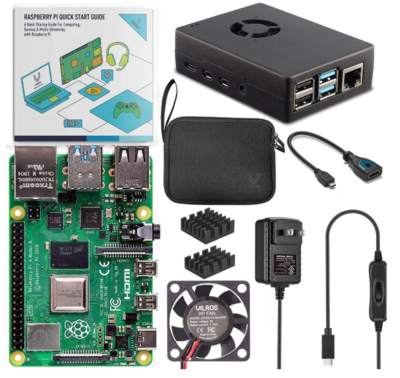
Click to buy at Amazon Again you can't just buy a Pi, you need some extras. You need a USB power supply. If you are going to use it "the easy way" you will also need an micro HDMI cable, a USB keyboard/mouse, an HDMI monitor and an SD card. You might well have some of these items already, but you can also simplify things a bit more by buying a starter kit which comes with a choice of memory size:
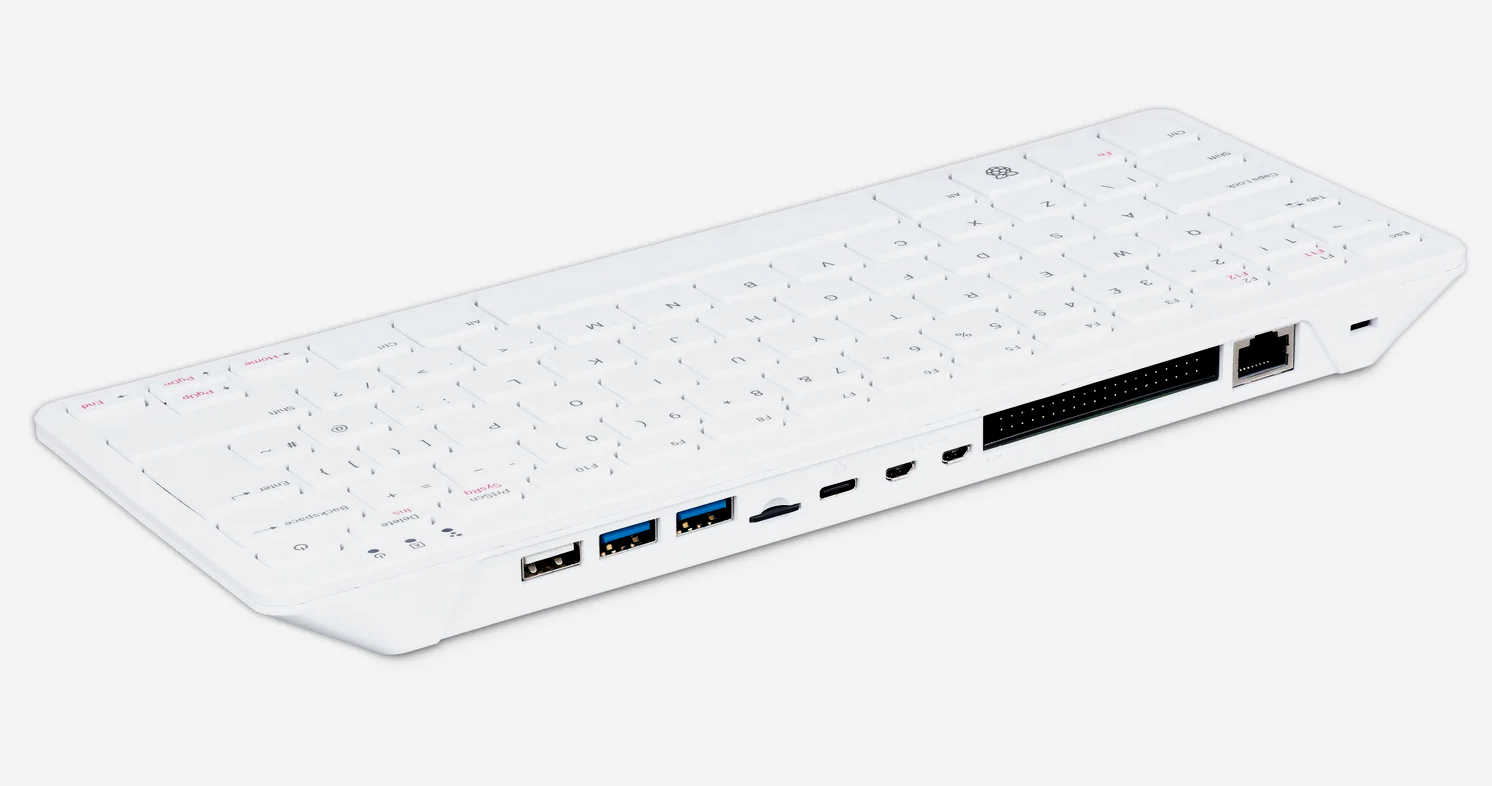
The top of the range Raspberry Pi is the Pi 500 - a complete desktop machine based on a slightly faster Pi 5 housed in a keyboard. You can buy the Pi 500 standalone or with a kit of parts including a small monitor. Click to buy at Amazon
While the Pi 500 can be used as a desktop machine (preferably with two monitors which is what I currently use), it is an excellent development machine for IoT type applications as there is an in-built GPIO connector at the back.
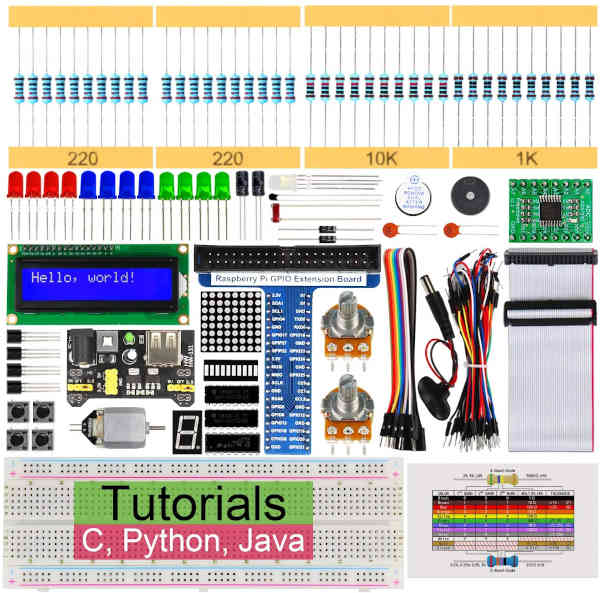
What if you want to not just to learn to program but also want to find out about physical computing or the IoT? You need a selection of components, a prototyping board and some jumper wires. There are a number of different kits that supply a range of parts, but the one I personally like, which is suitable for a Raspberry Pi 500, 5B, 4B or 3B+ is this one:
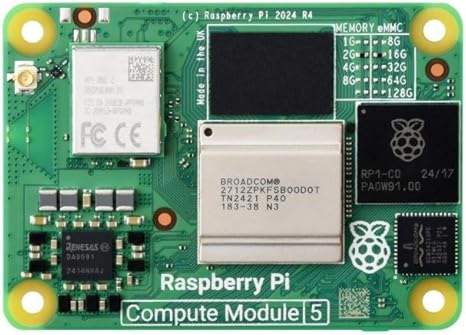
Click to buy at Amazon. What is so good about this kit is that at $49.95 it includes a full range of possibilities. You get a lots of LEDs, LED display, small motor, power supply and a prototyping board and jumper wires. Notice that you don't get a Pi or any of the things you need for basic use of the Pi this is an add-on. For professional use, there is another option - the Raspberry Pi Compute Module 5, which is available in several versions, but only as a board:
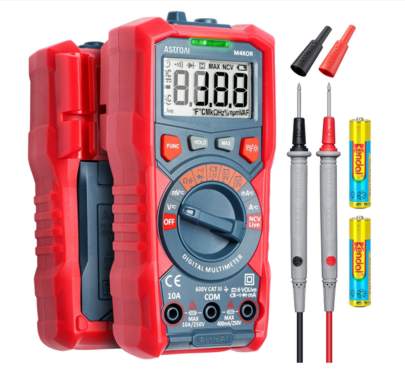
Click to buy at Amazon For physical computing and making gadgets then the Raspberry Pi's stablemate, the Pico, is an alternative device to use. Now in its second generation. there are two - the Pico 2 or Pico 2W. For their details refer to A Pico For the Holidays. If you are getting serious about electronics, you'll find a multimeter indispensable and, given how cheap they are today, why not. This one, priced around $20, isn't the best, but it is good enough for most things:
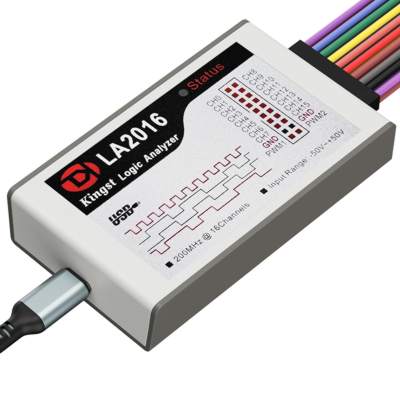
Click to buy at Amazon Going further, you could treat yourself to a logic analyser and I can recommend the one I've used for all the timing diagrams in my books on using the Raspberry Pi:
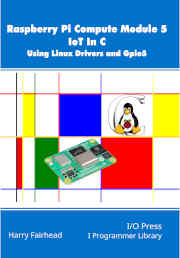
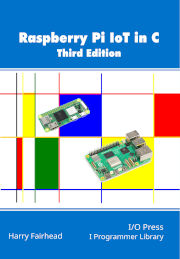
Click to buy at Amazon This is a middle of the range model from Kingston. There is a cheaper model and two that are more expensive and more accurate. What is there to do with your new Raspberry Pi? It you want to use it for IoT projects then I've written books covering all members of the Raspberry Pi family, including the professional Compute Module 5.
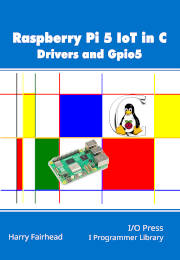
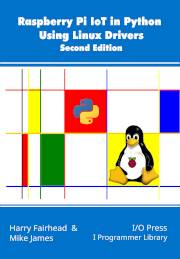
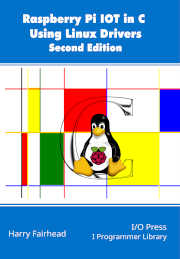
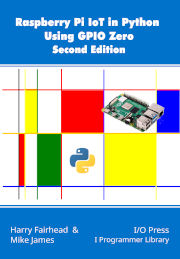
Click to buy at Amazon These two books relate specifically to the Rasberry Pi 5, who features a different chip to the earlier members of the family. They demonstrates how to interact with the hardware both using Linux drivers, the accepted way of accessing external devices, and via Gpio5, a new open source IoT library written specifically for the Raspberry Pi 5 and CM5 to provides direct access to the CM5’s hardware, with functions for working with GPIO, PWM, I2C, SPI and more. My other books cover earlier members of the Raspberry Pi family from the Pi Zero 2W to the Pi 4. Probably the easiest route into IoT projects using a Raspberry Pi for the comparative beginner is to take advantage of Linux Drivers and for this you have two choices of language - Python and C:
Click to buy at Amazon The direct way to program the Pi is using GPIO Zero and if you want to do this from Python then this is the book you need:
My recommendation for programming your Pi is to use C and get the most out of it, along with an education that is becoming rarer as things move ever upward and abstract. C is at least 10 times faster than Python.
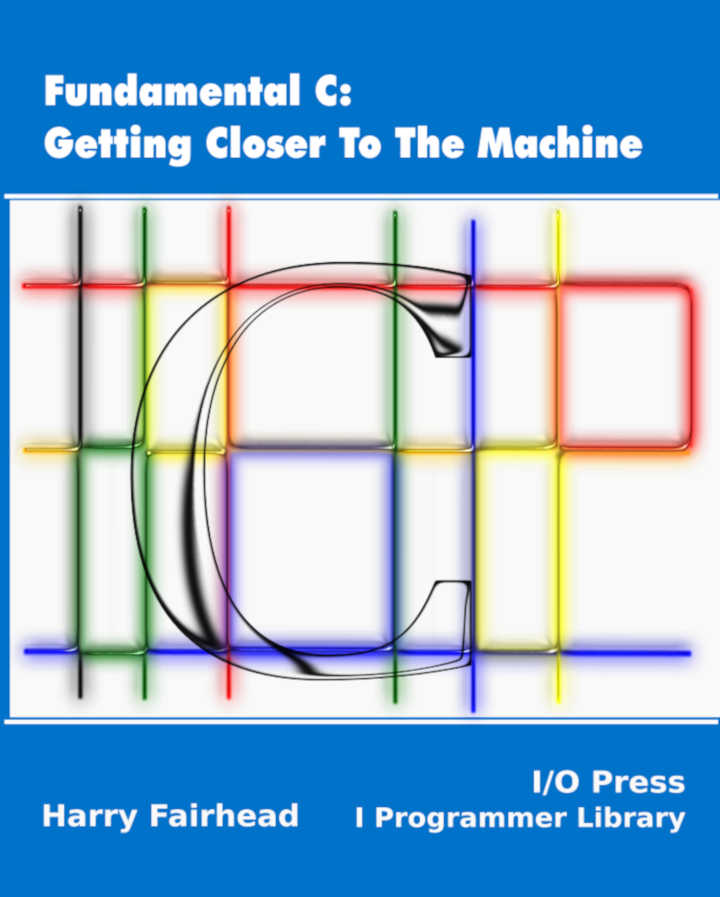
If you need something to get you up to speed in C then my book on the C language is written with an IoT context in mind - but this is not a book for the complete beginner.
And if you are looking for something on using Linux at a fairly low level then you also need the companion volume:
Related Articles
{loadposition signup} {loadposition moreNEWS} {loadposition moreNEWSlist} {loadposition comment}
|
| Last Updated ( Sunday, 14 December 2025 ) |