| Hardcore DevOps: Building A Portable Weblogic Client on the CLI |
| Written by Nikos Vaggalis | |||||
| Monday, 18 September 2017 | |||||
Page 3 of 4
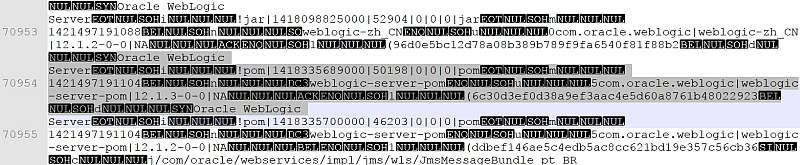
Step 5 - Identify and locate the dependencies Fortunately the Maven Core Indexer is packed as a gzipped file and available at https://maven.oracle.com/.index/nexus-maven-repository-index.gz. Another alternative way in navigating the index is through an IDE like NetBeans which has a Maven repository browser build in or with the Nexus Repository OSS manager, but I'll forgo both of them because as promised I'll do everything from the CLI. So downloading and unzipping 'nexus-maven-repository-index.gz' extracts the 'nexus-maven-repository-index' file which can be opened in a plain text editor and, although not a feast for the eyes, is sufficient for the job.
Now we must search through this file to locate the necessary dependencies.Of course we need the core weblogic-server library and its version edition hosted on the repo, that is '12.1.3-0'.
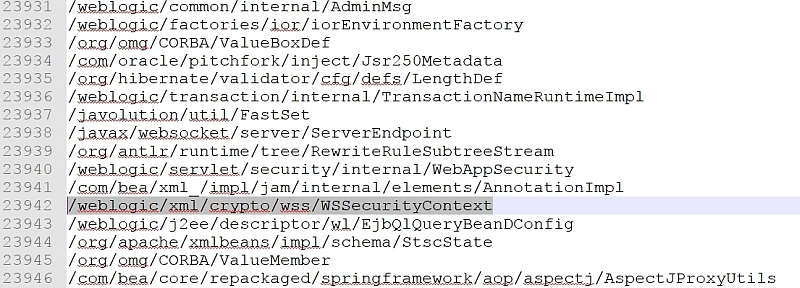
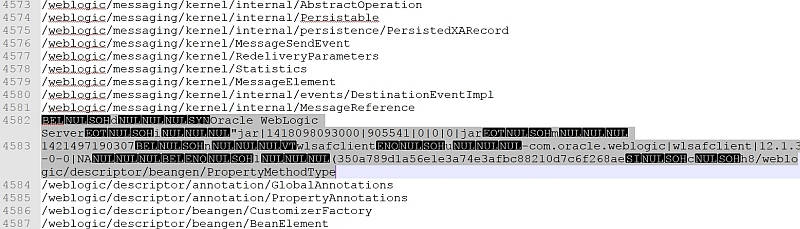
which is found in several jars such as wlnmclient.jar, wljmxclient.jar and wlsafclient.jar.Since the subsequent searches for the rest of the classes reveals that most of them are found inside wlsafclient it was the one picked, that way avoiding getting dragged into the 'find the right library' going through the convoluted official manual.
Another alternative is to use JarScan which goes to reveal in which jar file a particular class resides thus resolving any NoClassDefFoundError, ClassDefNotFound, and ClassNotFoundException problems caused by missing classes.
Step 6 - Amend the project's pom file
A Project Object Model or POM is the fundamental unit of work in Maven. It is an XML file that contains information about the project and configuration details used by Maven to build the project. It contains default values for most projects. Examples for this is the build directory, which is target; the source directory, which is src/main/java; the test source directory, which is src/test/java; and so on.
So let's amend pom.xml and add the following:
This will pull the dependencies together and make them available to our App.java application. But in order to also bundle them into the final fat jar we must instruct maven to use the 'maven-assembly-plugin' :
This last action completes our pom.xml file.For the complete listing check the project on GitHub.
Step 7 - Compile the project $ mvn -X compile which makes the actual call to the online repositories, fetches the libraries and caches them into our local repository under the current user's .m2 directory:
And so on until we get to : [INFO] ------------------------------------------------------------------------
Completing the compilation phase adds a few more files to our project structure too: wlogicclient
|-- pom.xml
|-- src
| |-- main
| | `-- java
| | `-- com
| | `-- wlogic
| | `-- client
| | `-- App.java
| `-- test
| `-- java
| `-- com
| `-- wlogic
| `-- client
| `-- AppTest.java
`-- target
|-- classes
| `-- com
| `-- wlogic
| `-- client
| `-- App.class
`-- maven-status
`-- maven-compiler-plugin
`-- compile
`-- default-compile
|-- createdFiles.lst
`-- inputFiles.lst
20 directories, 6 files
|
|||||
| Last Updated ( Monday, 18 September 2017 ) |