| A fun Windows Phone Toolkit |
| Written by Alex Denham | |||
| Monday, 13 June 2011 | |||
|
Coding4Fun has put together the Windows Phone Toolkit, a set of Silverlight controls, converters, and helpers to make life easier if you’re writing code for Windows Phone. The controls were originally created while the team at Coding4Fun were creating applications for Windows Phone, and they’ve now been grouped together. If you’re writing your own application and want a toggle button or a slider control, why not use the code written by Coding4Fun? You get both the controls and the source code behind them all so you can always see exactly what’s going on.
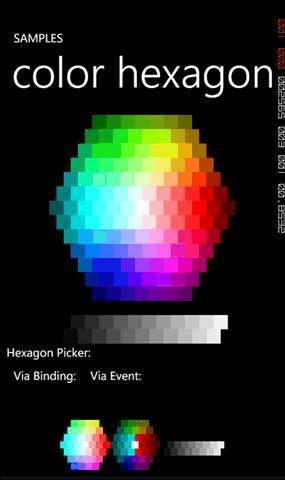
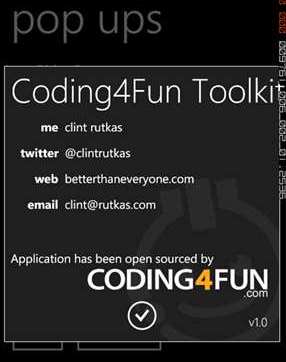
The list of controls includes an About prompt, color sliders and pickers, input, message and password prompts, progress overlay, memory counter and buttons. There are also converters for Boolean to visibility, string to visibility, themed image converters , and visibility to Boolean. There are helpers for binding textboxes and password boxes and a phone data helper for getting data out of the WMAppManifest file.
The toolkit can be downloaded here: http://coding4fun.codeplex.com/ If you’re interested in the toolkit there are some useful articles at Windows Phone Geek showing how to use the toolkit and the individual controls including an overview and getting started article.
If you would like to be informed about new articles on I Programmer you can either follow us on Twitter or Facebook or you can subscribe to our weekly newsletter.

|
|||
| Last Updated ( Monday, 13 June 2011 ) |